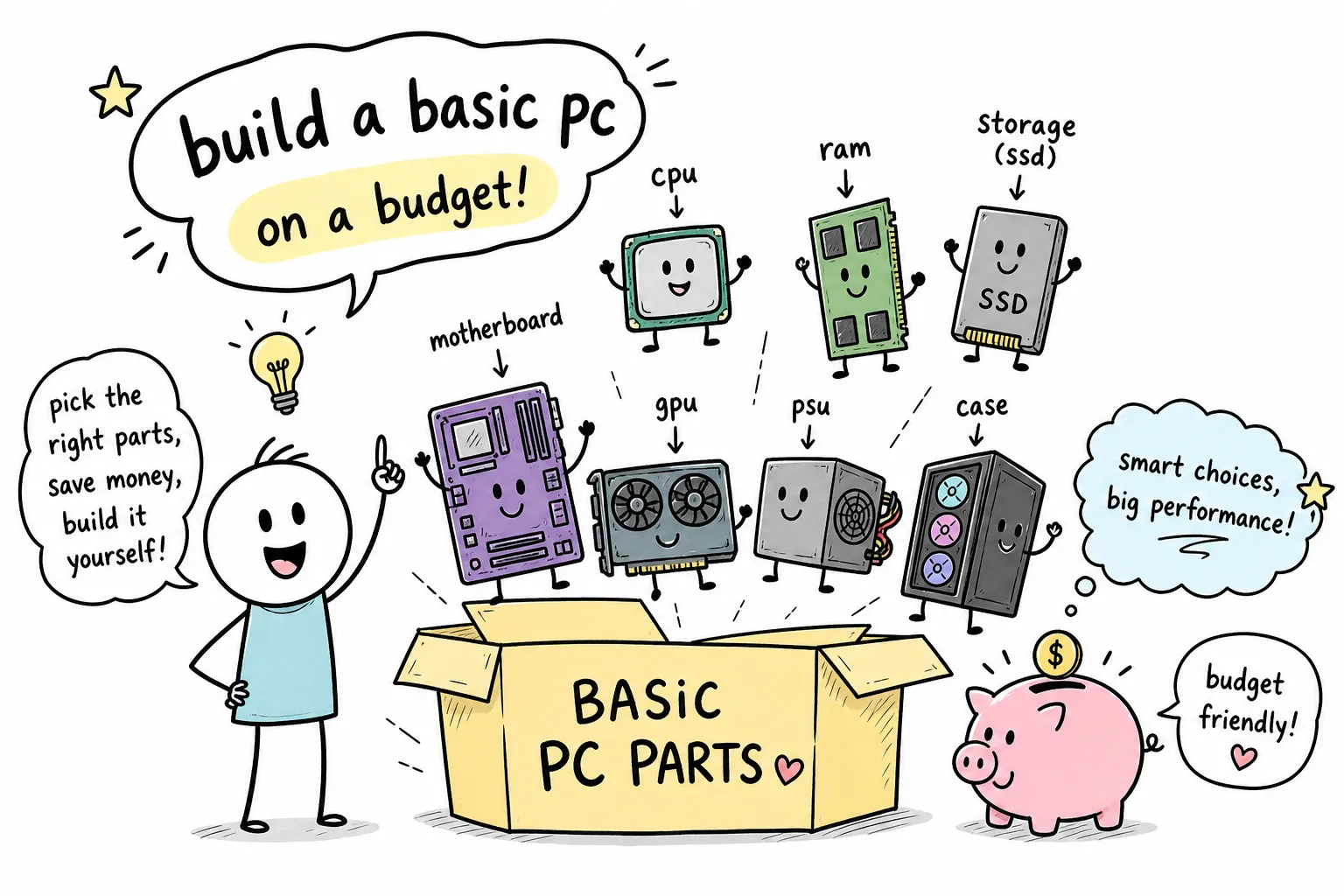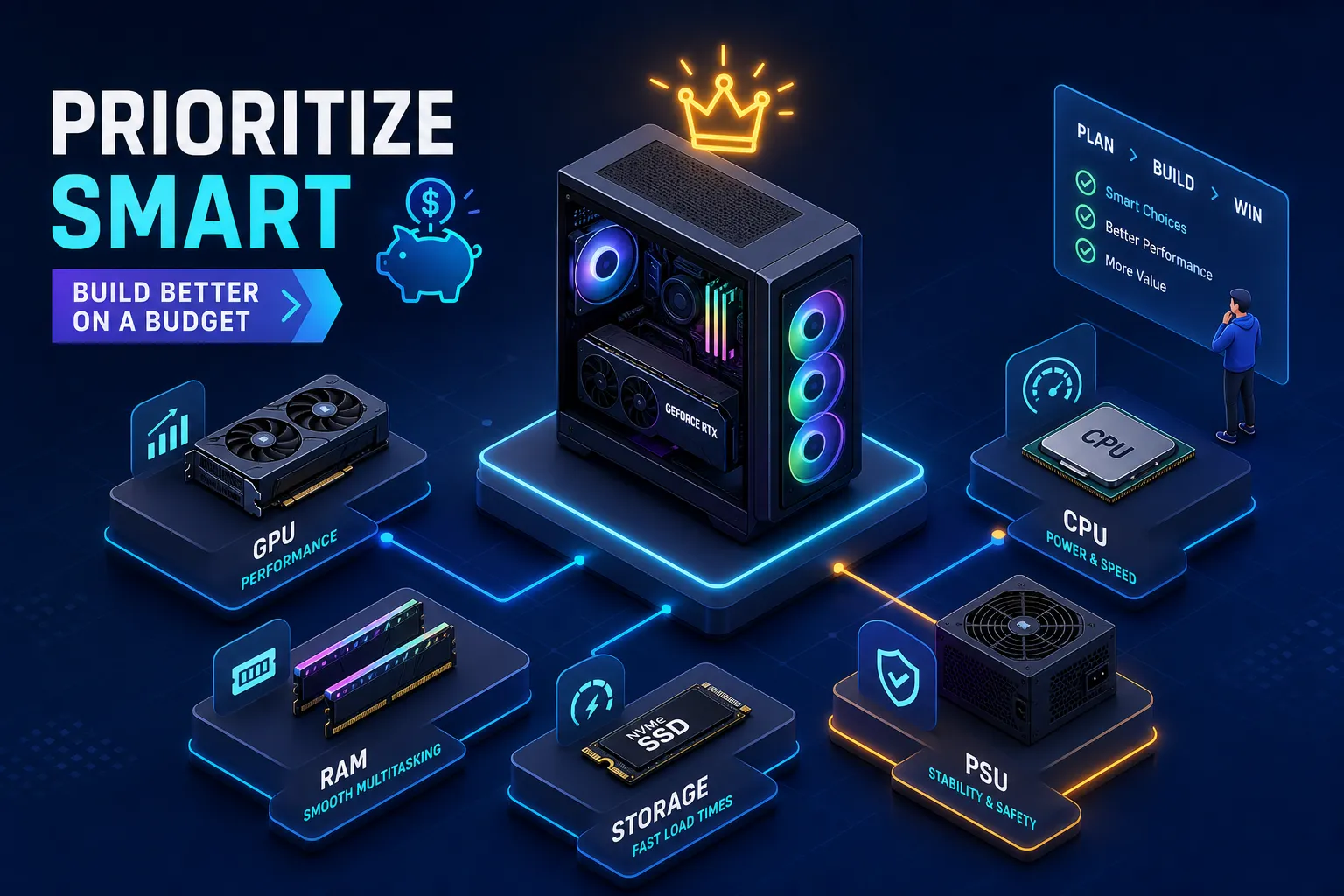
You have a set dollar amount, a blank PCPartPicker list, and roughly seventeen browser tabs open. The problem isn’t finding parts; it’s knowing which ones actually matter for your money. Most beginners burn budget in the wrong places: an overkill CPU paired with a weak GPU, or premium RAM that contributes almost nothing to frame rates. The result is a machine that costs the same as a well-built system but performs like something cheaper.
At Qurabox, the approach to smart spending is the same whether the topic is car maintenance or a tech setup: put your money where it creates the most measurable impact, and don’t waste it on parts that won’t change the outcome. A budget PC build follows exactly that logic. If you’ve been asking yourself what are the most important parts to prioritize when building a budget PC, this guide gives you a ranked priority order, a percentage-based allocation framework, minimum spec targets for 2026, and a clear breakdown of where cutting costs is safe versus where it backfires.
Your use case determines the spending order before you buy a single part
Generic advice tells beginners to prioritize the GPU. For gaming, that’s correct. For everything else, it’s often wrong, and building a parts list before answering this question is the single biggest source of beginner budget mistakes.
For 1080p gaming, the GPU is the primary performance limiter in most modern titles. At 1440p and above, the GPU’s share of the budget grows even more important. In esports titles where you’re chasing very high frame rates, the CPU starts to matter more as a secondary limiter because the GPU is no longer the bottleneck at those frame rates.
For productivity and creative work, the CPU and RAM take over as the priority. Rendering, video encoding, compiling, and working with large project files are all CPU- and RAM-bound workloads. The GPU only becomes critical if your software actively uses GPU acceleration, which applies to 3D rendering tools, AI workflows, and some video editors.
For streaming, your encoding method decides where you spend. GPU encoding offloads the stream to the graphics card, which means the GPU needs enough headroom for both the game and the stream. CPU encoding shifts that burden to the processor, making a stronger CPU the smarter investment. Know which method you’ll use before you allocate a single dollar.
What are the most important parts to prioritize when building a budget PC?
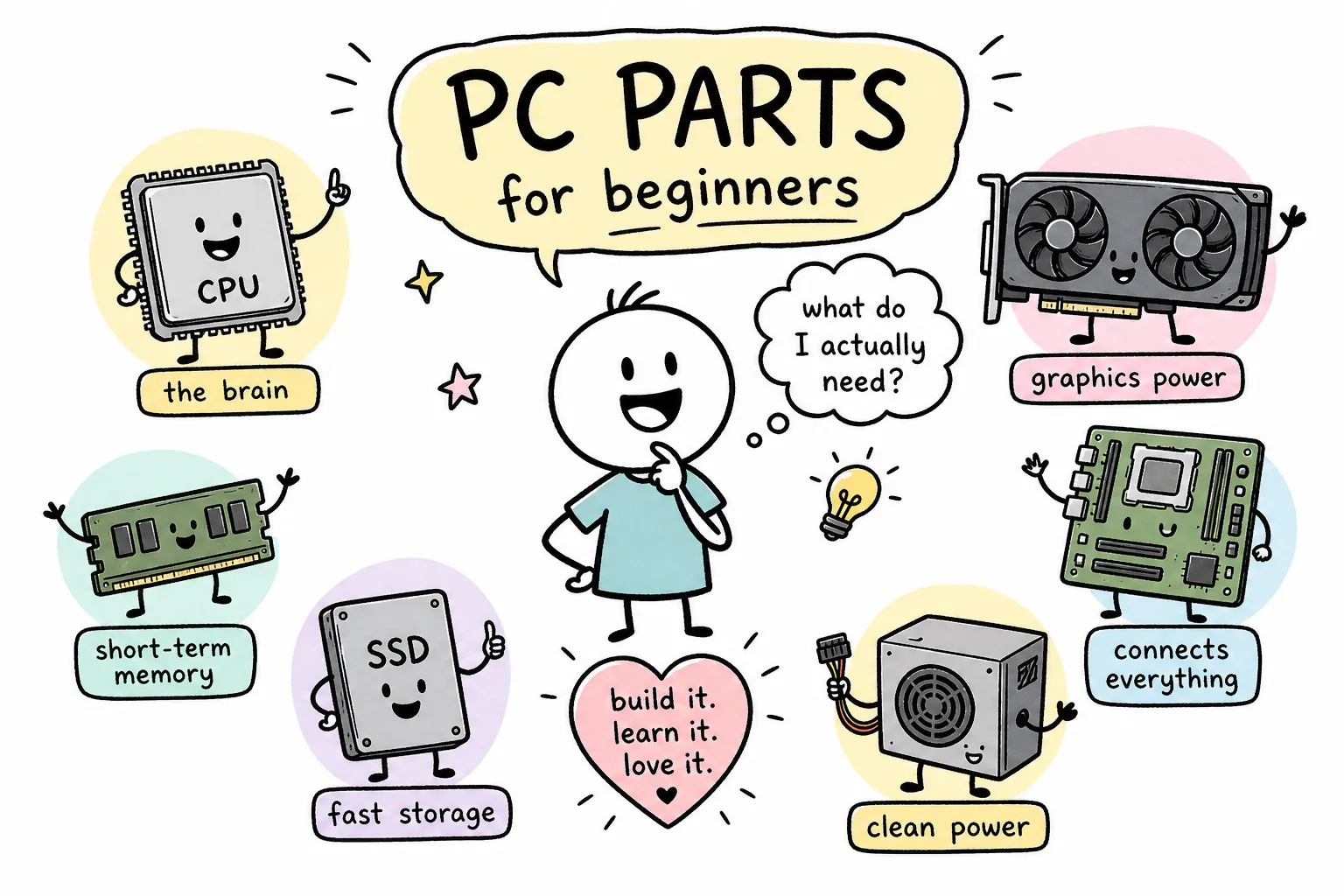
Before making trade-off decisions, you need a clear picture of what each component does and doesn’t control. Most budget mistakes come from misunderstanding this, so here’s a breakdown of CPU vs. GPU priority and the role every major part plays.
Why the GPU carries the most weight in gaming builds
At 1080p gaming, the GPU directly determines the frame rates and visual quality settings you can sustain. Underspend here and every other component becomes irrelevant. A premium CPU paired with a weak GPU will lose to a mid-tier GPU paired with a budget CPU in almost every game benchmark. The GPU is where your gaming performance lives, and your budget allocation should reflect that.
The CPU’s real job in a budget gaming machine
A six-core, twelve-thread CPU is the practical floor for gaming in 2026. The AMD Ryzen 5 7600 and 7600X are the clearest examples of this tier done right, delivering strong 1080p and 1440p performance without requiring expensive cooling or premium motherboards. Beyond that baseline, additional CPU spending produces diminishing returns for gaming specifically, but meaningful returns for streaming, encoding, and creative workloads. This is where many beginners overspend while underbuying the GPU.
How much RAM is actually enough
16GB is still the technical minimum, but 32GB is the practical target for 2026 builds. RAM speed matters more for AMD platforms than Intel in most cases, but at the budget level, capacity matters more than speed. The difference between DDR5-5600 and DDR5-6000 delivers roughly 1 to 6% gains in gaming, nice to have, but not worth sacrificing GPU budget for. Get to 32GB first, then consider speed if the price gap is small.
How to prioritize PC components across your total budget
Abstract priority rankings don’t help when you’re staring at a dollar amount. Here’s how those priorities translate into actual spending splits, and why getting this ratio right is the core of any smart budget build parts allocation.
The $500 split: GPU-heavy by necessity
At $500, the GPU claims 40 to 50% of the total budget. Entry-level performance is tightly constrained, and the graphics card is where that constraint hits hardest. The remaining budget breaks down roughly as follows:
- CPU: $90, $110
- Motherboard: $60, $75
- RAM: $45, $50
- Storage: $40, $50
- PSU: $45, $50
- Case: $40, $50
A fully new $500 build is genuinely difficult in 2026 at this ratio, and used parts often fill the gap without sacrificing reliability. For guidance on targeted minimalist builds at this price point, see our Cheap PC Build 2026: What to Buy and What to Skip, Qurabox.
The $800 and $1,200 approach: rebalancing as headroom grows
At $800, the GPU share drops to 35 to 45%, which frees up room for a stronger CPU platform, more RAM, or a faster SSD. That extra flexibility buys real improvements: smoother streaming performance, faster game load times, and a longer upgrade life before the platform becomes obsolete. At $1,200, the build becomes more balanced overall, with the GPU still holding the largest single share but no longer dominating at the expense of every other component. The GPU stays the priority; it just doesn’t have to be the only priority.
Minimum specs worth targeting for a capable machine in 2026
These are the floor, not the goal. Meeting them means you have a capable machine. Falling short means you’ll notice the gap in real use within a year.
- CPU: 6 cores / 12 threads, boosting around 4.0GHz or higher
- GPU: 8GB VRAM minimum for 1080p; 12GB or more if you plan on 1440p or heavily modded games
- RAM: 32GB DDR5-5600 to DDR5-6000
- Storage: 1TB NVMe SSD minimum, 2TB preferred
The 8GB VRAM floor holds for most 1080p gaming at medium-to-high settings, but it’s not comfortable for maxed-out settings, ray tracing, or heavy texture mods in demanding 2026 titles. If you plan to push settings or mod games heavily, 12GB or 16GB becomes the smarter target. See independent testing that examines whether 8GB remains usable in 2026 in the article showing real-world 8GB vs 16GB GPU results. On storage, 1TB fills fast: modern AAA games routinely exceed 100GB each, so 2TB is generally the better buy when the budget allows. An NVMe drive over a SATA drive also improves system responsiveness meaningfully, even if raw in-game frame rates stay the same.
Where it’s safe to cut costs and where cutting will cost you more later
Every budget build requires trade-offs. The question is which ones hurt and which ones don’t.
Parts where a cheaper option is genuinely fine
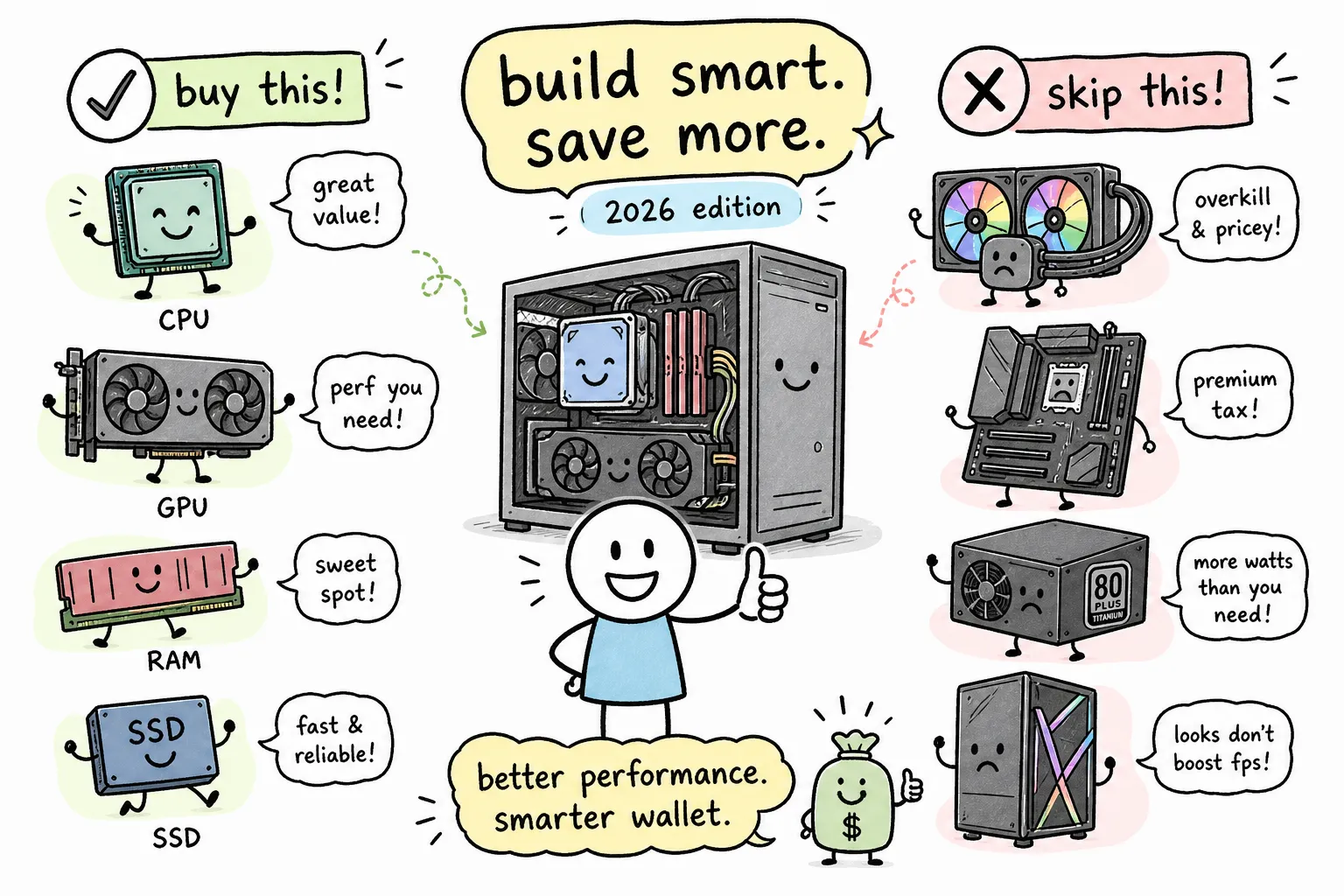
The PC case is the clearest example. A $40 to $60 mid-tower does everything a $150 case does for a first build: it holds the parts, provides airflow, and keeps things organized. A B-series motherboard, B650 for AMD, B760 for Intel, covers all the features a budget builder actually needs without paying for premium overclocking support or workstation extras. A stock cooler works for non-overclocked CPUs that include one; for example, the Ryzen 5 7600 ships with a bundled cooler that handles everyday workloads, while higher-TDP variants like the 7600X do not and benefit from an aftermarket option. These are the places to recover dollars and redirect them toward the GPU or CPU.
Parts where cutting cheap will cost you more later
The PSU is the most dangerous place to underbuy. A low-quality unit can damage other components or cause system instability that’s nearly impossible to diagnose. For a $500 to $800 build, target a quality 650W 80 Plus Bronze or Gold unit from a reputable brand. Move to 750W if your GPU is more power-hungry or you want upgrade headroom. Going below 8GB VRAM on the GPU creates a real performance ceiling in modern games. And skipping compatibility checks (socket fit, RAM type, PCIe slot support) is the fastest way to buy parts that simply don’t work together. Run every parts list through PCPartPicker before spending anything; for examples of solid budget build configurations, consult compilations of best budget gaming PC builds for 2026.
Current value picks delivering the most per dollar right now
Priorities are useful. Specific recommendations are more useful. Here’s what stands out for 2026 budget builds based on current benchmark data and street pricing.
GPU shortlist for budget builders
The Intel Arc B580 is the strongest argument under $300, with 12GB of VRAM and roughly 10 to 20% better native raster performance than competing options at its price point in independent testing. The NVIDIA RTX 5050 is a reliable entry-level pick with DLSS and Frame Generation support, though the B580 holds an edge on raw price-to-performance in most benchmarks, see the detailed RTX 5050 vs Intel Arc B580 face-off for side-by-side results. The RTX 4060 is worth buying if you find it discounted; for an overview of strong 1080p-focused options, check curated lists of the best GPUs for 1080p gaming in 2026. The RX 7600 XT 16GB stands out for buyers who want maximum VRAM headroom without jumping to a higher price tier, 16GB at a budget price is a real advantage as games continue to push VRAM limits.
CPU, motherboard, and storage picks that balance cost and reliability
The AMD Ryzen 5 7600 and 7600X consistently deliver strong gaming performance per dollar in the budget CPU segment. The 7600 includes a cooler and is only about 5% slower than the 7600X, making it the smarter buy if price is the deciding factor. The Ryzen 5 9600X offers better efficiency at 65W and is worth considering if the upgrade path on AM5 matters to your long-term plans. Pair AMD chips with a B650 board and Intel options with a B760 board, both tiers cover everything a budget build needs. For storage, a 2TB PCIe 4.0 NVMe from a major brand is the budget sweet spot: fast enough for any real-world task, and the price-per-GB advantage over 1TB models makes it the preferable choice when budget allows.
Build the parts list before you buy anything
Understanding what are the most important parts to prioritize when building a budget PC comes down to one consistent rule: put your dollars where they create the most measurable performance impact. For gaming, that means GPU first, CPU second at the right baseline, RAM to the 32GB floor, then storage and supporting parts. For productivity or streaming, flip the CPU and GPU priorities based on your actual workload.
The practical next step: open PCPartPicker, build out a parts list using the allocation percentages and minimum specs from this guide, and run the compatibility check before committing to any purchase. If you need hands-on assembly guidance to avoid common beginner errors, consult our walkthrough on How to Build Your First PC on a Tight Budget Without Mistakes, Qurabox. Compare prices across at least two or three retailers; GPU prices in particular shift quickly. If a build fits on paper but feels tight somewhere, revisit the case or motherboard budget before touching the GPU allocation. For a broader framework on making smart, practical decisions across home and everyday life, from homeowner checklists to car maintenance to tech setup, Qurabox covers exactly that, all built around the same logic of spending where it matters most.